MIMO • YEREVAN
One app to move around and always stay connected
Bikes, electric scooters and power banks across Yerevan. Find the nearest option, scan the QR code, and get moving with the Mimo app.
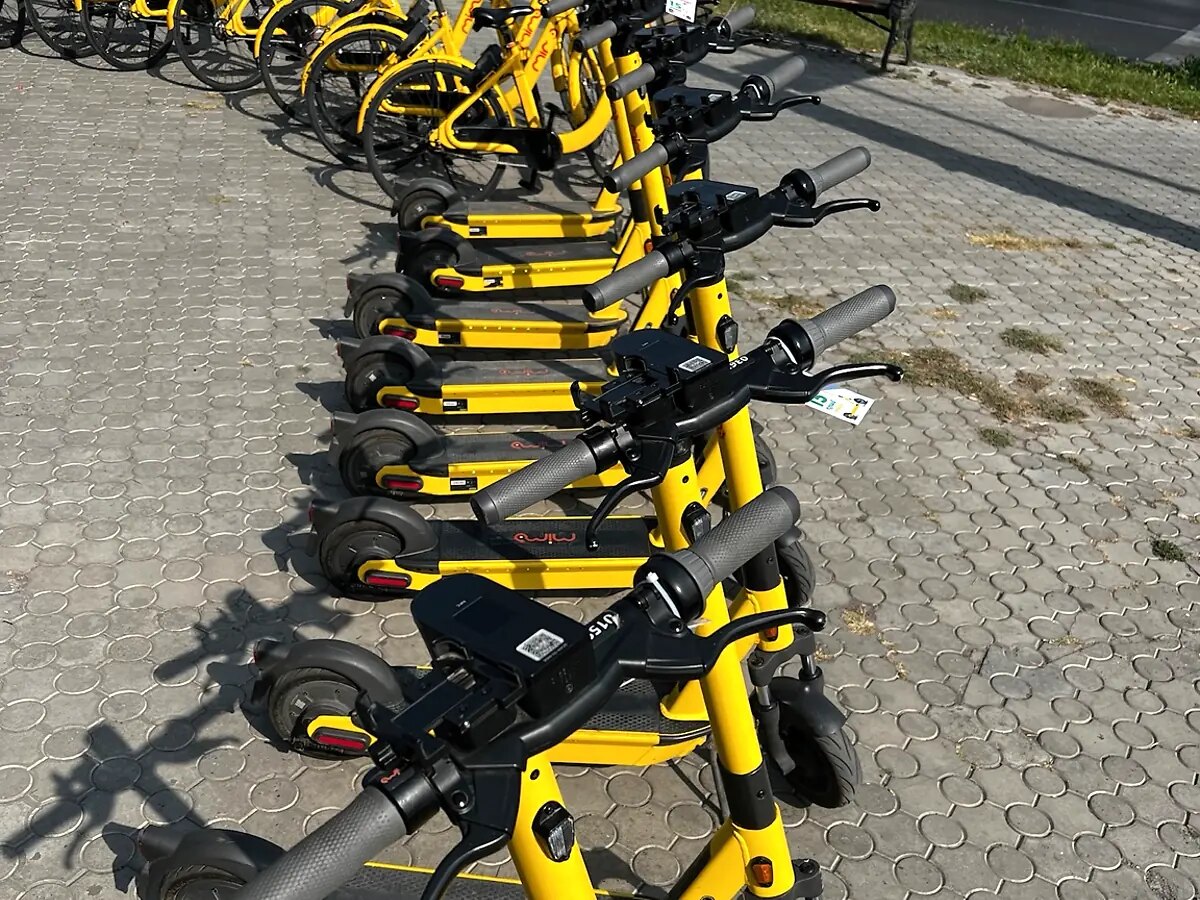
Mimo in Numbers
Armenia's shared mobility and shared-energy fleet, all in one app.
- Bicycles
- 900+
- Electric Scooters
- 500+
- Power Banks
- 500+
These numbers show Mimo's total fleet across Yerevan. Check the app or the live map for what's actually available right now.
Choose a service to see how it works
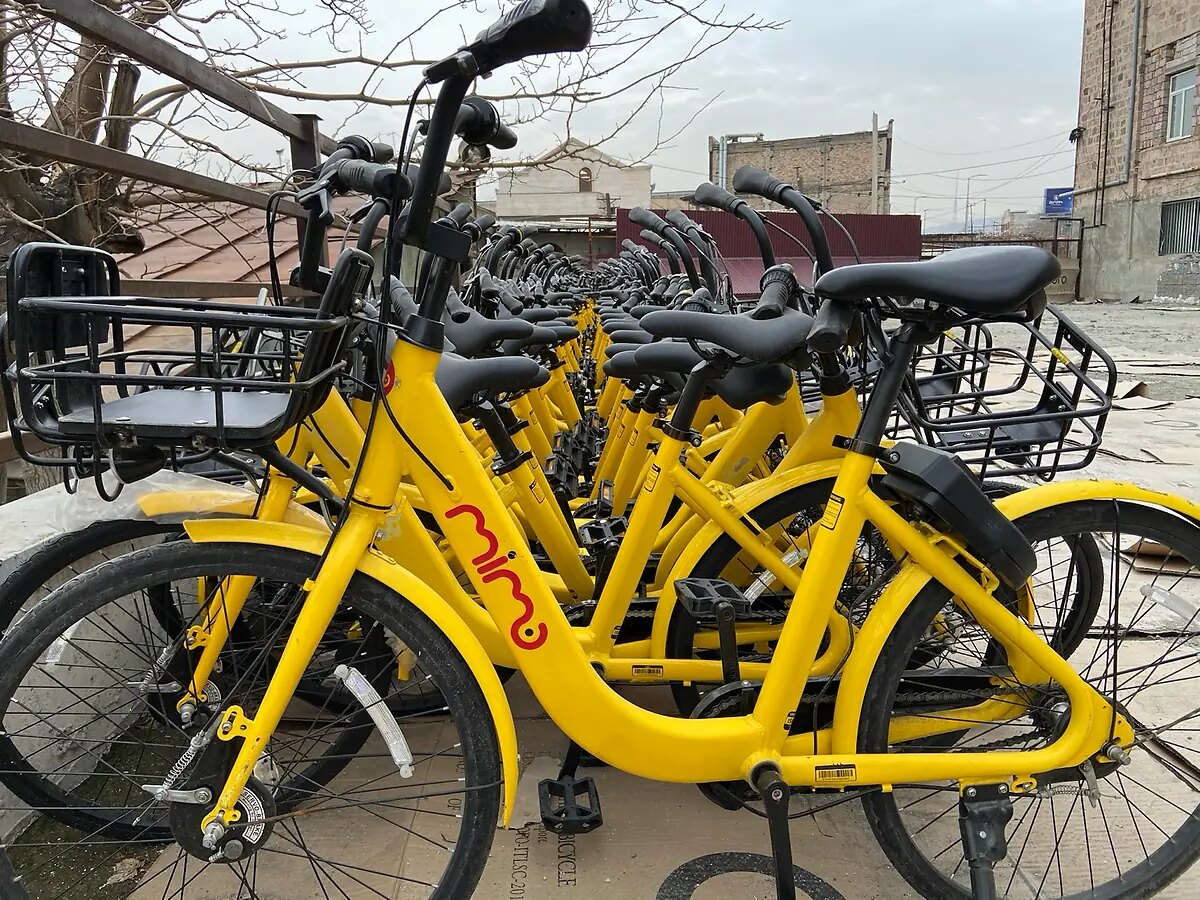
Rent a bike in 4 simple steps
900+ bikes across Yerevan. Here is the full flow, from opening the app to ending your ride.
- 1Find the bike on the map
- 2Check the tariff and scan the QR code
- 3Ride while following the safety rules
- 4Park in an allowed zone and end the rental
Rent a scooter in 4 simple steps
500+ electric scooters. Here's the full flow, including the safety basics.
- 1Find an available scooter
- 2Check the battery, tariff and scan the QR code
- 3Start your ride
- 4Park in the right spot and wait for the end confirmation
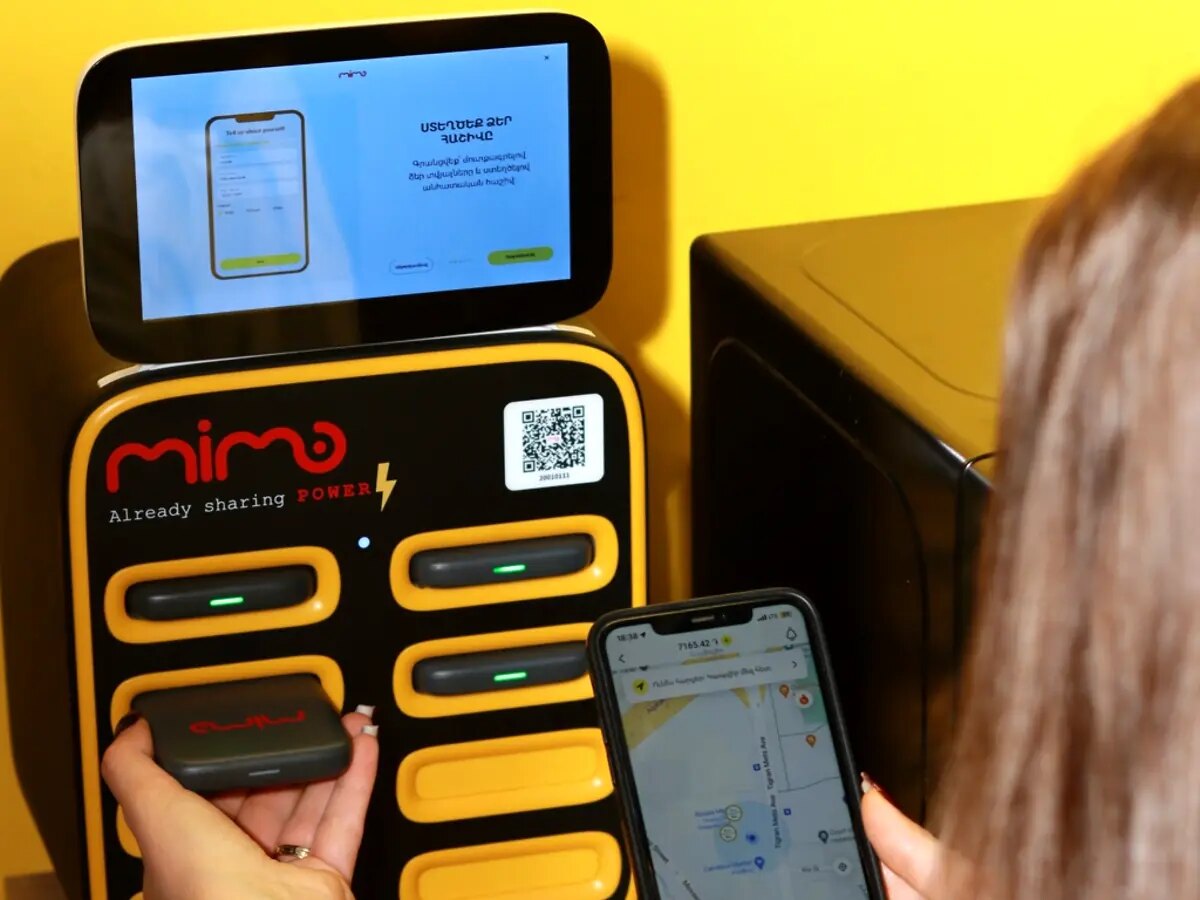
Rent a power bank in 4 simple steps
500+ power banks at partner locations. Here's the full flow, from finding a station to a confirmed return.
- 1Find the nearest station
- 2Check availability and the tariff
- 3Scan the QR code and take the power bank
- 4Return it to any Mimo station with a free slot
Every station below is real — pulled from Mimo's own station data, not a mockup.
Power Bank station map
Find Mimo power bank stations and directions. Check the update time and confirm availability in the app before you go.
Everything in one app
Find it, check the price, scan the QR code, and manage your rental in a few taps.
Real screenshot coming soon
Real screenshot coming soon

Mimo in Yerevan
Use Mimo safely and responsibly
Check before you ride
Before you start, check the brakes, tyres, lights and the overall condition of the vehicle.
Follow the traffic rules
Respect traffic lights, road signs and pedestrian priority.
Wear a helmet
A helmet is recommended for every bike or scooter ride.
Park responsibly
Don't block sidewalks, ramps, building entrances or pedestrian crossings.
Stop if something's wrong
If the device is damaged or the rental won't end, don't try to force it — contact Mimo support.
Need help right now?
ContactFAQ
Where can I see the price before I rent?
The tariff is shown in the app before you confirm a rental. Nothing is charged until you've seen and confirmed the terms.
Why won't the QR code scan?
Make sure your camera has a clear, well-lit view of the whole code and that you're using the in-app scanner, not your phone's regular camera. If it still won't scan, try entering the code printed under it manually, or contact support.
Where am I allowed to return a bike or scooter?
Only in the designated parking zones shown in the app's map — never on a sidewalk, ramp or building entrance.
My rental didn't end — what do I do?
Check you have a data connection and try ending the rental again from the app. If it still shows as active, contact Mimo support with your ride details rather than starting a new rental.
Can I return a power bank to a different station than I took it from?
Yes — return it to any Mimo station in the network that has a free return slot, not necessarily the one you started at.
What does it mean if a station has no free slots?
It means every slot at that specific station is currently occupied. Check the map for the nearest station with a free slot instead.
What if the bike, scooter or power bank is broken?
Don't use it — report it from the app or contact support so it can be taken out of service, and pick a different one nearby.
How do I contact support?
Through the Mimo app, or the contact page on this site.
Ready to use Mimo?
Download the app, find the nearest bike, scooter or power bank station, and get started in just a few steps.