Never let a low battery stop your day
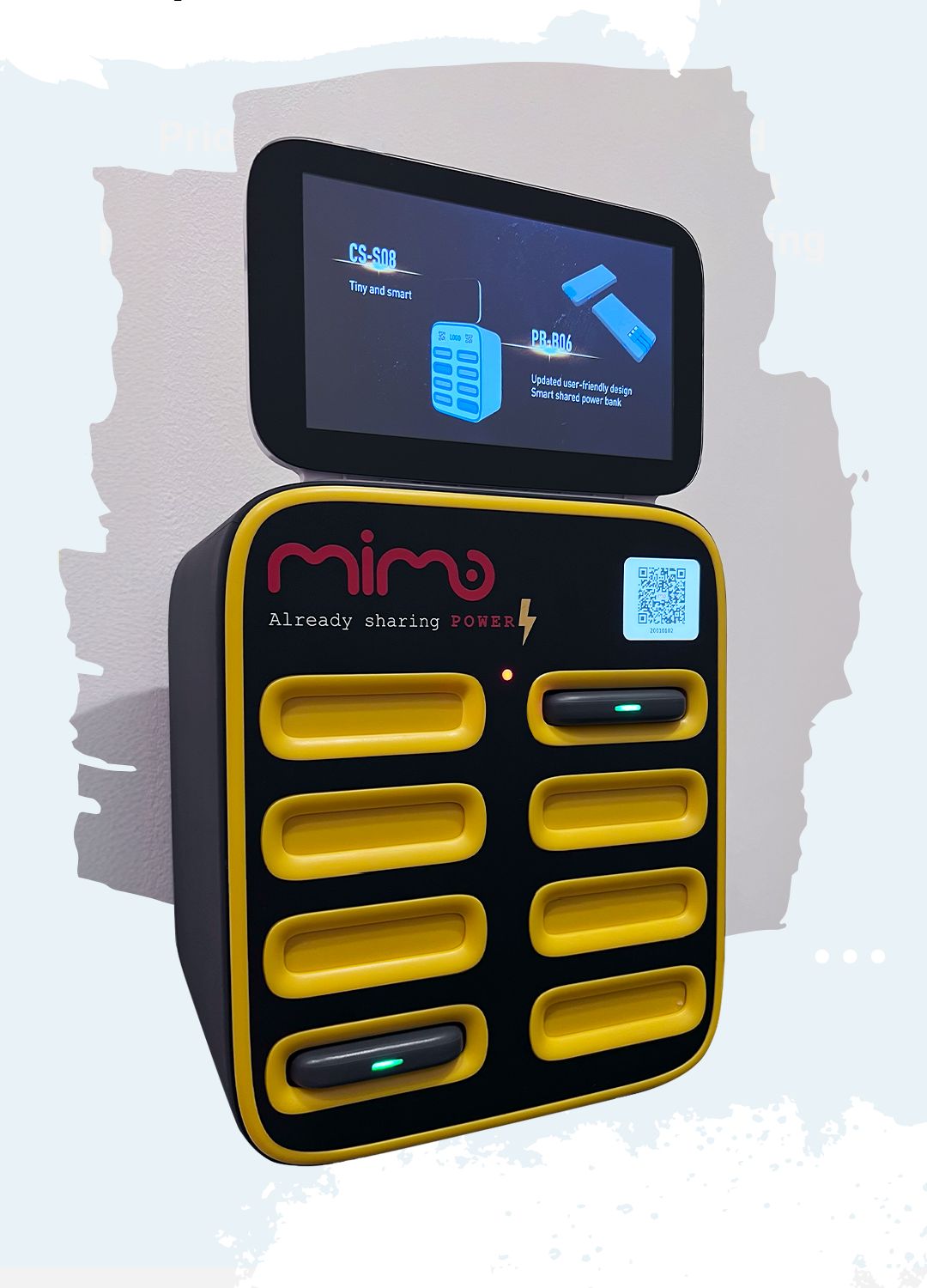
Find a Mimo station, scan the QR code, take a portable power bank and return it to any available Mimo station.


How to rent? How to return? Here it is.
Charging on the go with Mimo is simple: find a station, take a power bank and return it to any available Mimo station in the network.
Find
Find the nearest Mimo station in the app.
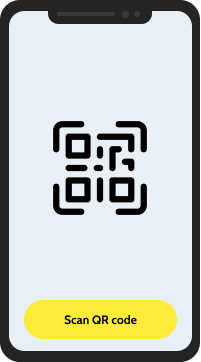
Scan
Scan the QR code on the station. The price is shown before you confirm. Confirm to release the power bank.
-Fnh0eXnZ.png)
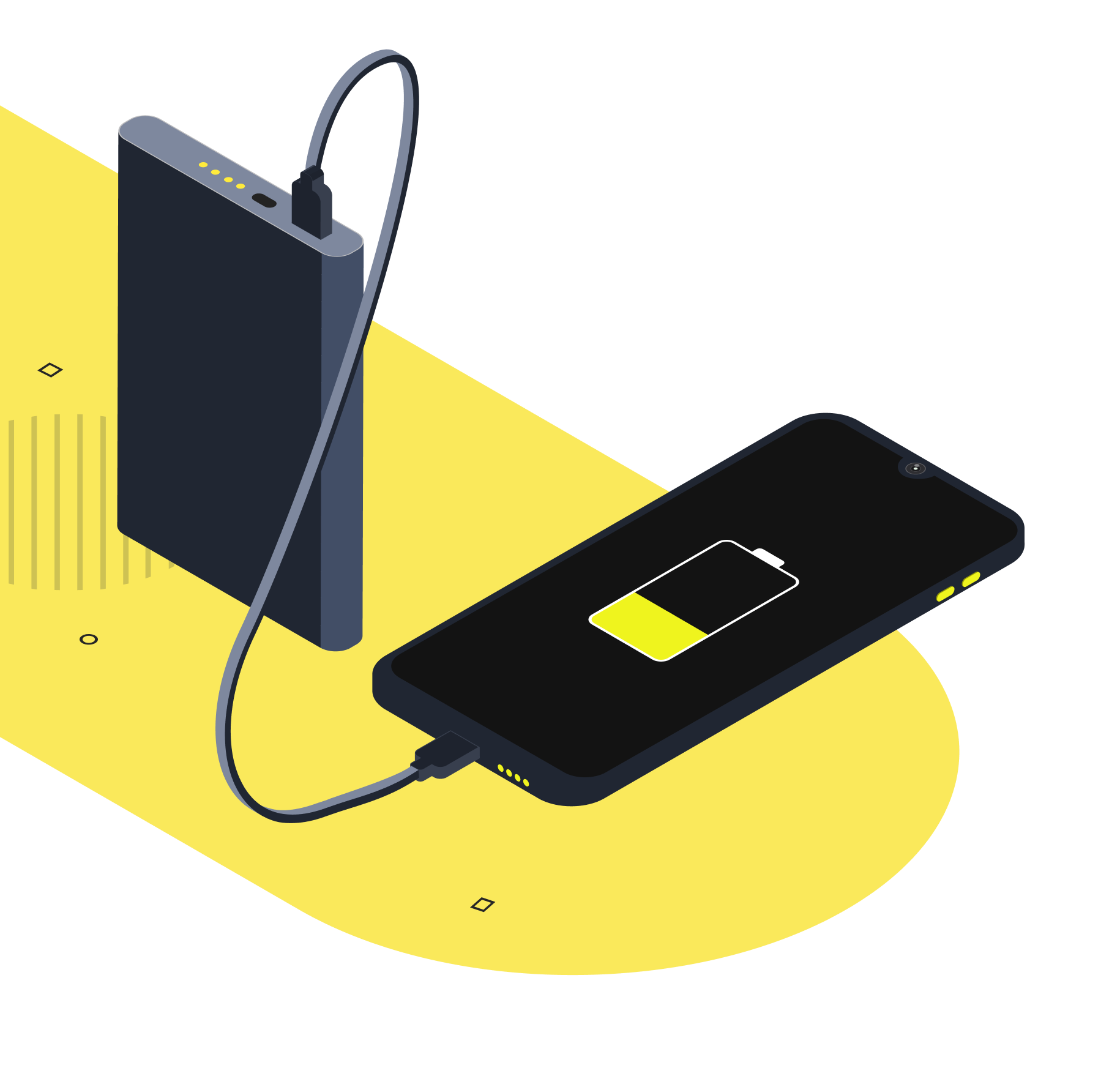
Charge Your Device
Charge your device for as long as you need.
Return to any Mimo Station
When you're done, return the power bank to an empty slot at any available Mimo station.
-CRpIWyEx.png)
Live Power Bank Map
See real Mimo power bank stations near you — availability, free slots and directions, updated live.
Built-in cables that fit a range of devices

Smartphone

Tablet

Smartwatch

Wireless earphones

E-reader
For Users

More convenient
Charge on the go
Save time and energy
For Venues: bring a wave of new visitors to your business
People with the Mimo app can find your venue on the map and drop by to rent a power bank. This naturally brings a wider audience to your business.
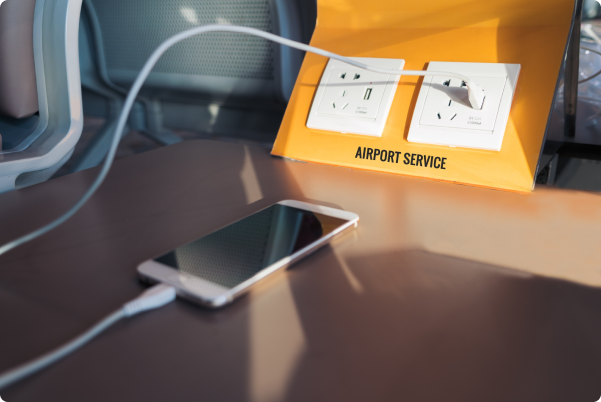
Popular places for power bank stations

Cafe

Gym

Airport

Shopping center

Bar

University

Restaurant

Event venue

Clinic

Contact Us
If you'd like to become a Mimo partner